Arcade guides
Dodge Rush levels, retries and saved progress explained
Find out how Dodge Rush unlocks levels, how to retry after a crash, and which progress is saved on your device.
Reaching a finish line, unlocking a level and retrying after a crash are three different moments in Dodge Rush. Knowing what each one does makes the menu choices easier to understand when a run ends.
This guide covers level progression, choosing another attempt and keeping your unlocked levels. Follow the screenshots to learn what happens at the finish line and how to set up your next run.
Cross the finish line to clear the level
The ring moves forward on its own while you switch between three lanes. A run succeeds when you reach and cross the checkered finish line without an attempt-ending collision. Simply surviving a difficult group of blocks does not finish the level if more track remains.
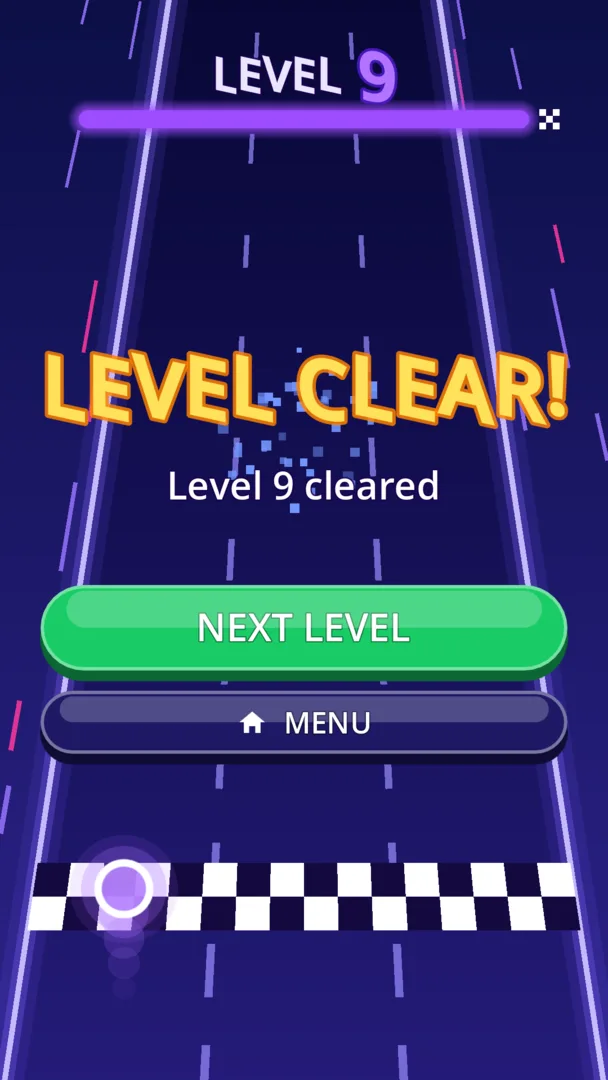
The Level Clear screen has Next Level and Menu options. Clearing the level unlocks the next one, so choose Next Level when you want to continue the sequence, or Menu when you want to leave the run screen.
There are ten levels followed by further challenges as speed and obstacle density increase. Ten is therefore the size of the initial set, rather than a promise that the game has no challenges after that point.
Retry starts another attempt
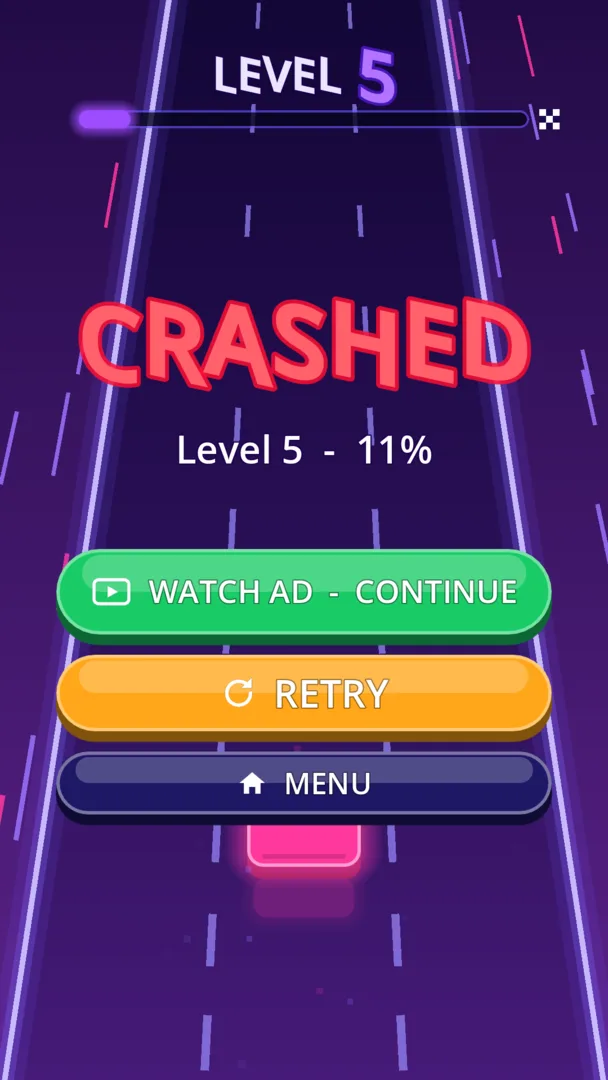
One collision ends an ordinary run. On the crash screen, Retry is the option for another attempt, while Menu takes you out of that screen. A retry is different from clearing a level: crashing does not unlock the next level.
Use the next attempt to revisit the point where the route became difficult. If you tapped twice when you meant to move once, practice a single change. If your chosen gap closed before you reached it, look farther ahead on the next run.
Retrying is free. Take a moment to remember the obstacle pattern, then begin a fresh run and try a different opening.
Choose your next attempt
Retry and Menu give you two ways to move on after a crash. Retry returns you to the level for a fresh attempt; Menu takes you back to the title screen.
On the next attempt, watch the gaps that follow the first obstacle. Moving into an open lane helps only if you can also read the pattern coming behind it.
If you need a pause, return to the menu. Your highest unlocked level stays saved, so a break does not erase the levels you have already cleared.
- Retry: start another attempt at the level.
- Menu: leave the crash screen for the menu.
- Next Level: move on after crossing the finish line.
- Saved progress: return to your highest unlocked level.
The highest unlocked level is saved locally
Dodge Rush stores your highest unlocked level on the device. This lets the game remember campaign progress; it is a different promise from saving every position in a moving run.
An unlocked level and an unfinished run are different things. Start another attempt from the menu; the save keeps track of the levels you have unlocked rather than your position beside a particular obstacle.
Progress is local to the device, with no account or automatic cloud sync. Clearing app storage removes the unlocked-level save and your sound and music preferences.
Set up the next run before starting
The menu has separate Sound and Music switches, so choose the combination that suits where you are playing. The website's gameplay preview is silent; the game itself includes effects and a looping synth track.
If the menu choices make sense but the track still feels difficult, return to the control guide. It explains one-lane taps, passing through the center lane and looking for successive openings. Progression is about reaching the next finish; the control guide focuses on the decisions that get you there.